Telegram bot & notifications
Don't sit refreshing the app. Get pinged in Telegram the instant a lead lands — exactly where you want it.
Connect the bot in one tap
Open @chat_lead_notifier_bot and press Start — or tap Connect the bot on the Bot & Notifications page, which opens the link for you. The Telegram account you press Start from becomes your bot chat, and from then on every keyword match can reach you in Telegram within seconds.

Choose where each account's leads go
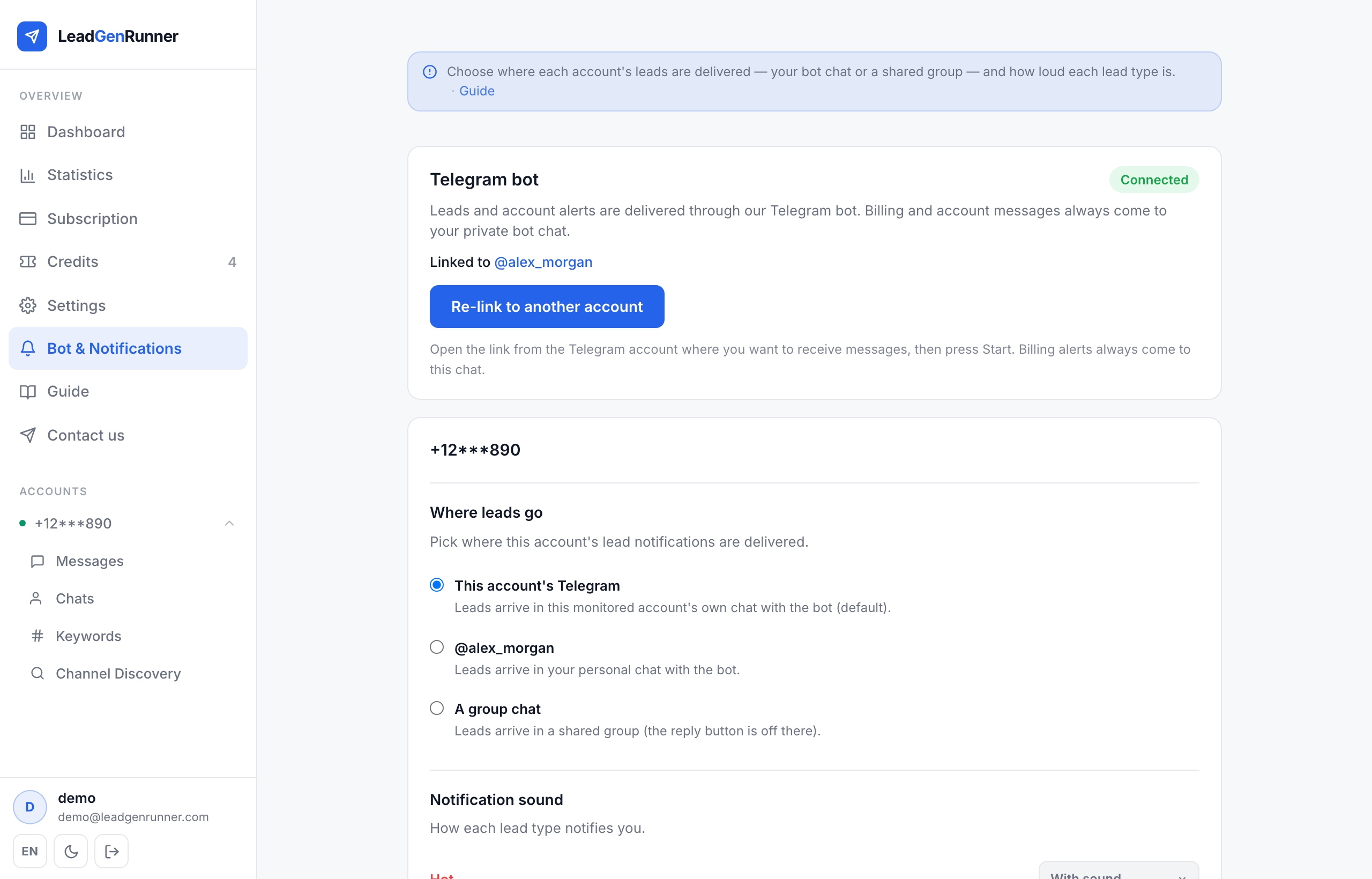
Monitor more than one account? You decide per account where its leads land. On Bot & Notifications, under Where leads go, pick one of three: This account's Telegram — the monitored account's own chat with the bot (default); My bot chat — your personal chat with the bot; or A group chat — a shared team channel. Mix and match across accounts.
Send leads to a shared group
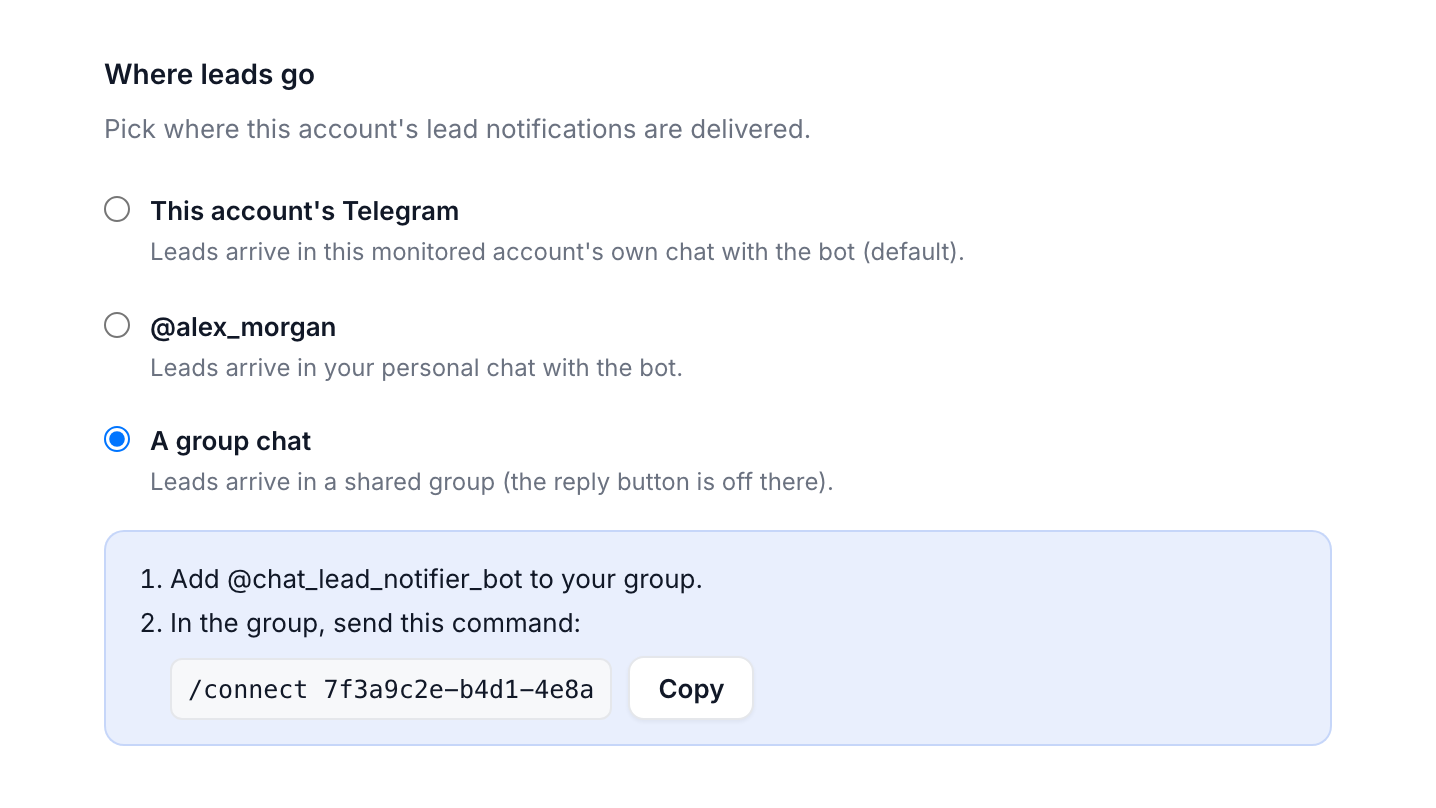
Picking A group chat takes two steps: add @chat_lead_notifier_bot to your group, then send the one-time command shown on the page — /connect <code> — inside that group. The bot confirms, and this account's leads start posting straight into the group. Note: the AI Reply button is hidden in groups (replies are sent from your own account, so it isn't safe to expose to every member) — open the app to reply.
Set how loud each lead type is
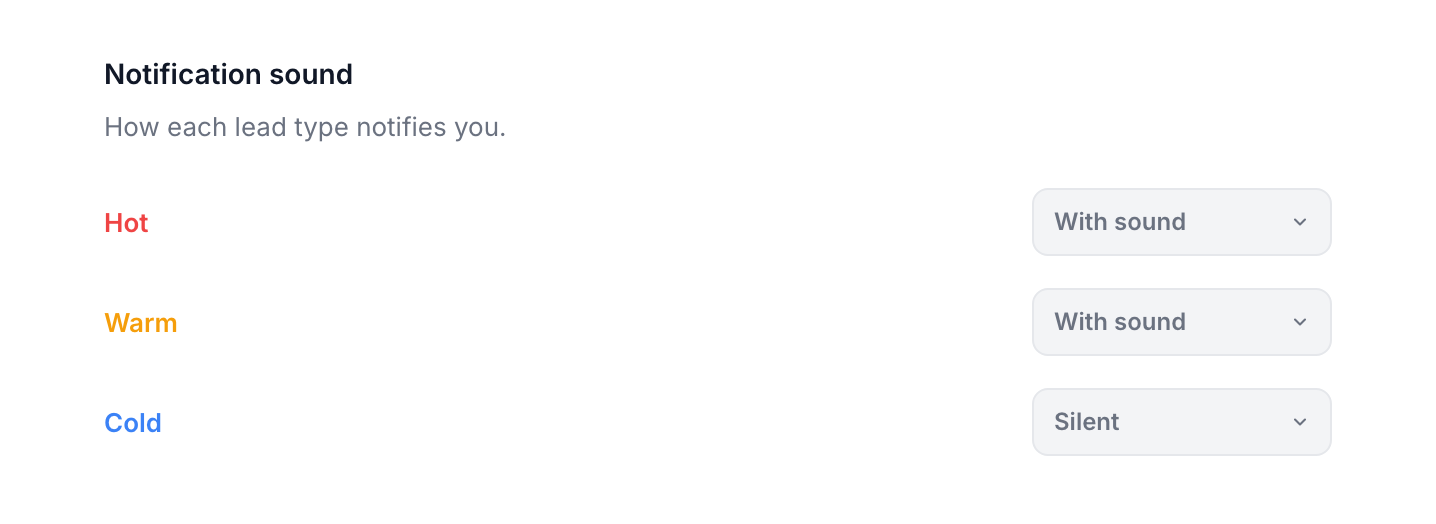
Under Notification sound, tune each account across three tiers — Hot, Warm, Cold — at three levels: With sound, Silent, or Off. A common setup: Hot with sound, Warm silent, Cold off — so your phone only buzzes for leads worth interrupting the day. Changes save instantly.
Re-link anytime — billing always stays private
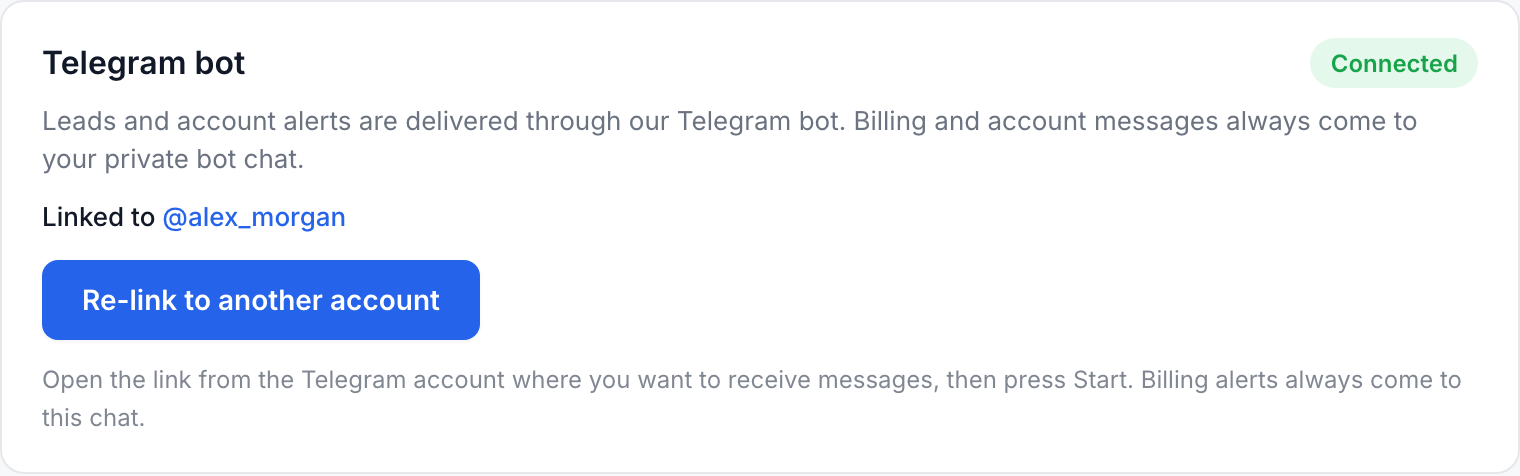
Need leads in a different Telegram account? Tap Re-link to another account, open the link from that account, and press Start — it works even if the bot is already connected. One thing never moves: billing, account and system messages always come to your private bot chat, never a group — so renewal reminders can't get lost in a busy team channel.
Ready to try it yourself?
Start a free plan and see your first leads within minutes.
Start free