Rate a channel — is your audience there?
Don't waste hours monitoring channels with no leads. Get a 0–100 relevance score before you commit.
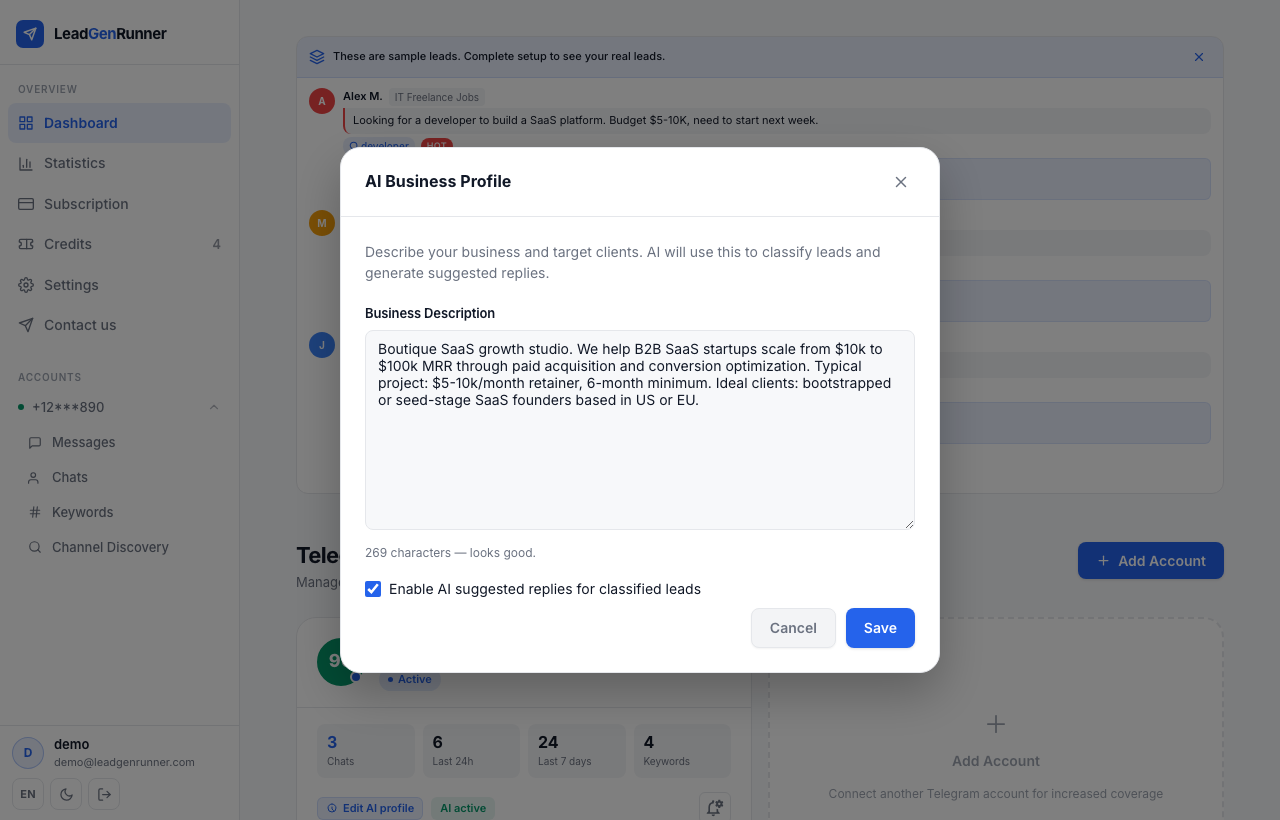
Describe what you sell — once
The AI score is only as smart as the business profile you give it. Two or three sentences about your audience and offer make every rating sharper. Open your account from Accounts, click Set up profile and write it in plain language.
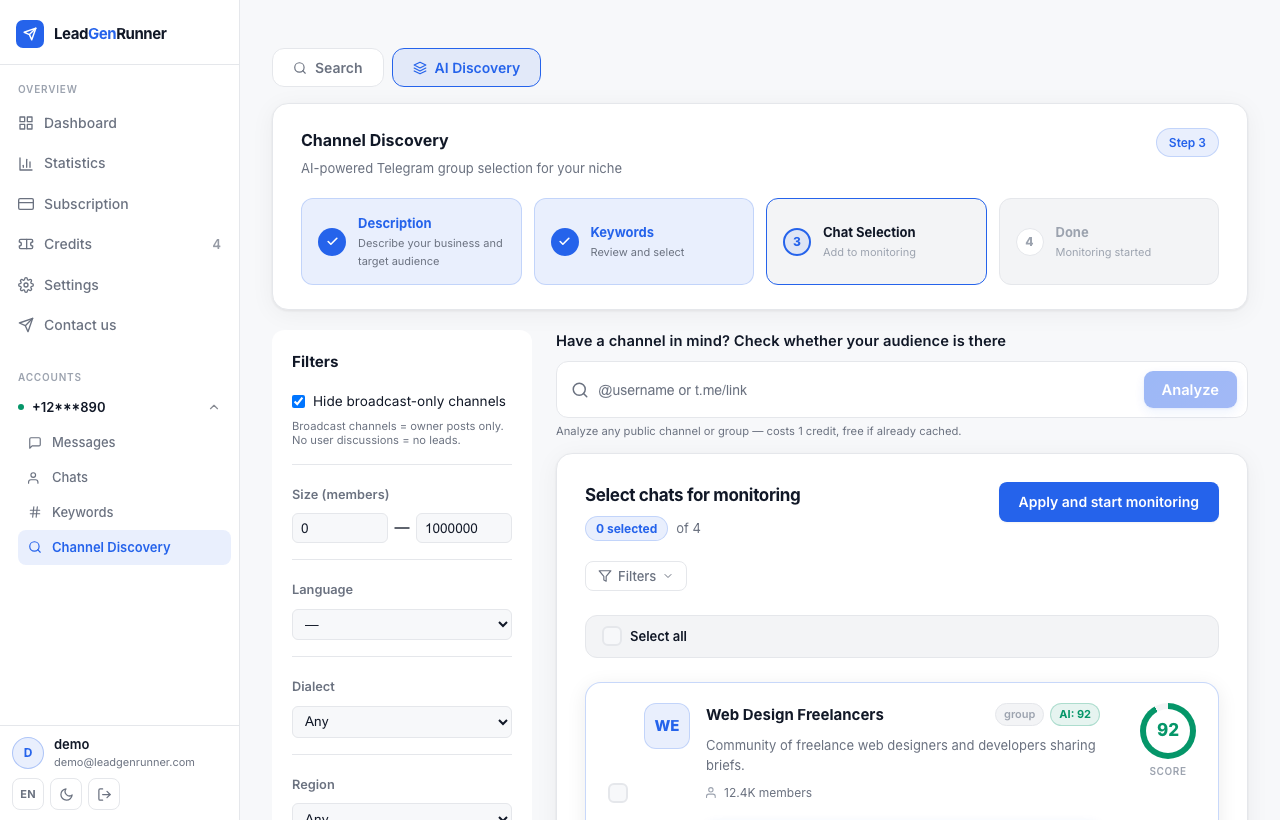
Run discovery, hit the big button on each card
Every channel card from Channel discovery now has a full-width button at the bottom: Rate this channel — does it have your audience? One click consumes one credit and returns a score with reasoning. New accounts get 5 free credits to experiment.
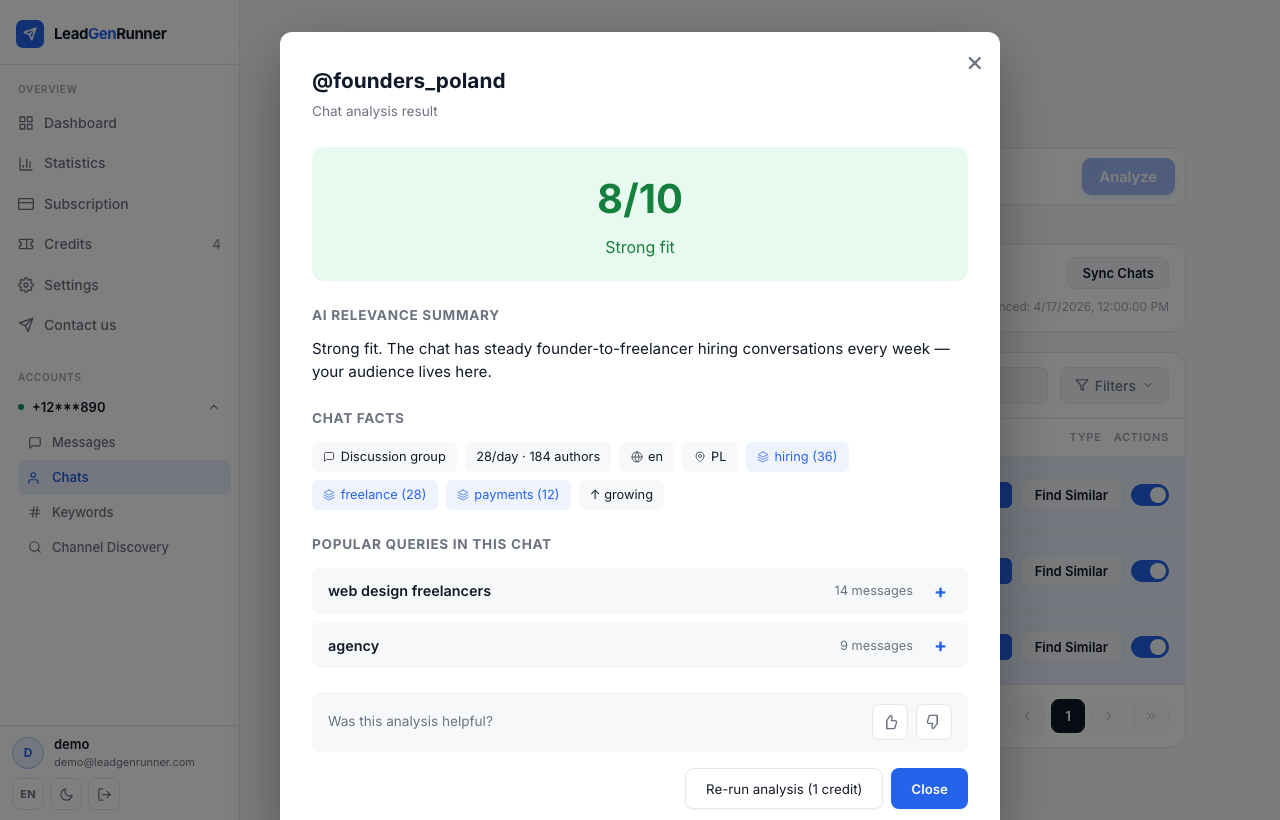
Read the verdict, not just the number
The result modal shows the relevance score (0–100), a one-sentence verdict, the kind of audience that lives in the chat and a sample of recent messages the AI used to decide. Green ≥ 70 is a strong fit, orange is borderline, red means skip and save your credits.
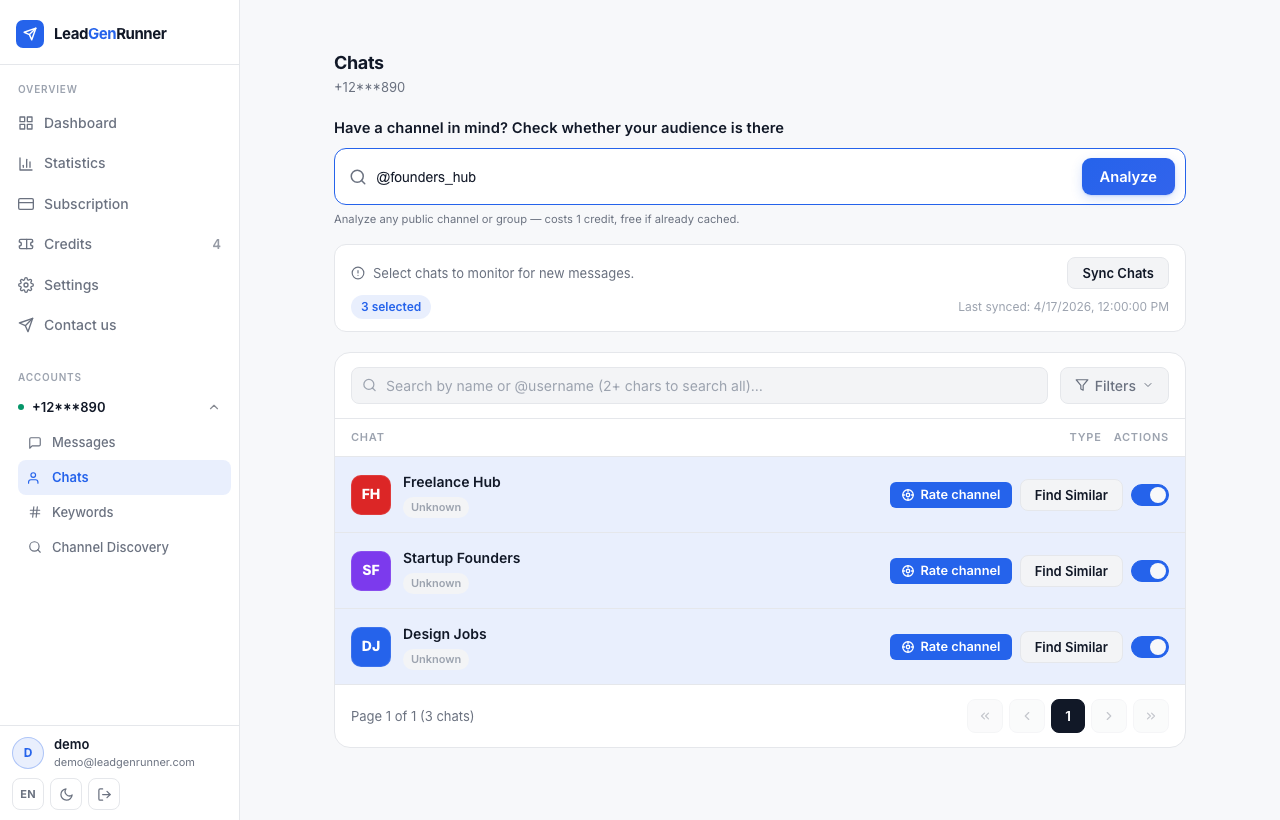
Have a channel in mind? Analyze it by link
Someone told you about a chat that didn't surface in discovery? Paste a {'@'}username or a telegram.me/ link into the analyze-by-link box on the Chats page and click Rate channel. Same 1-credit cost, same result modal — no need to join first.
Out of credits? Buy a top-up pack
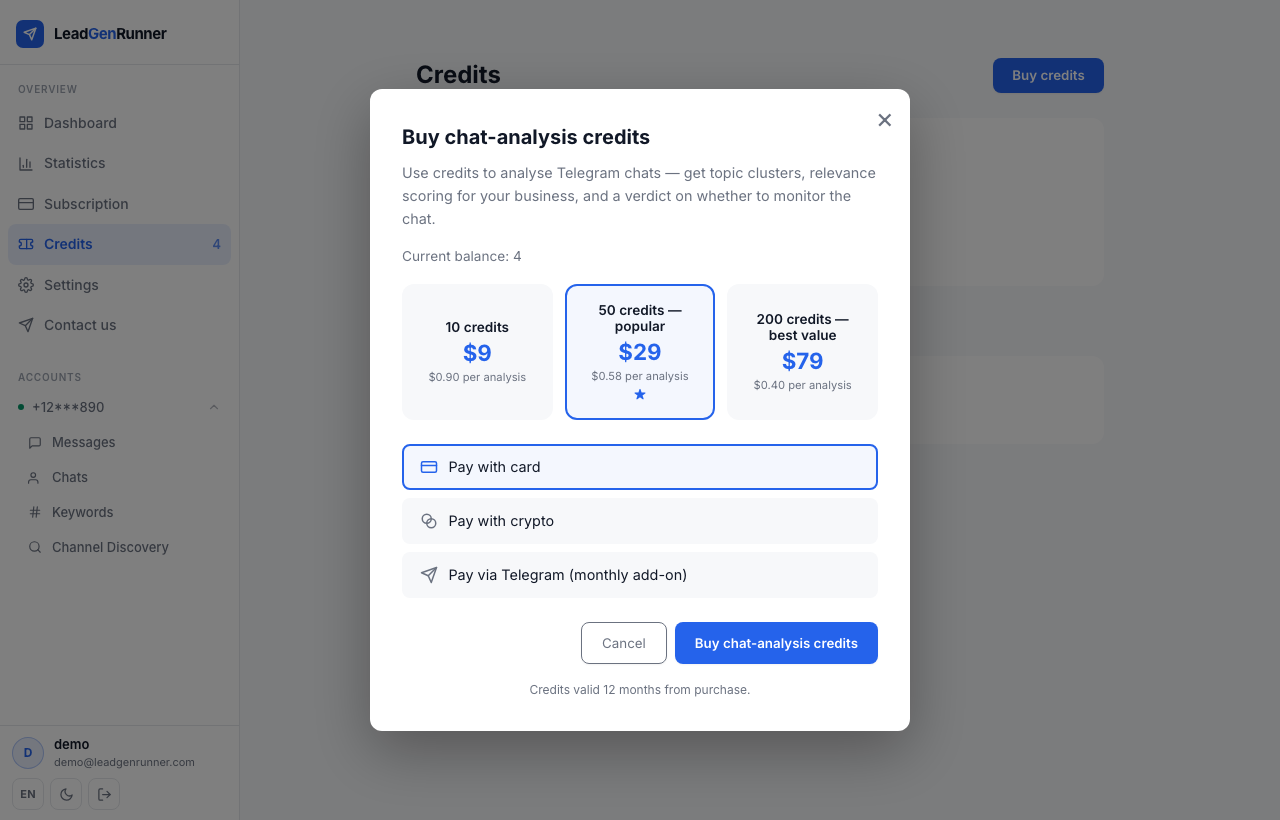
Credits are independent of your subscription — you can be on any plan and add a pack any time. Click the credits counter in the sidebar to open the purchase modal. Packs run 50 to 500 credits and don't expire for 12 months.
Ready to try it yourself?
Start a free plan and see your first leads within minutes.
Start free