Multiple business profiles
Run several niches or offers from one Telegram account — each gets its own keywords, chats, and leads.
What a business profile is
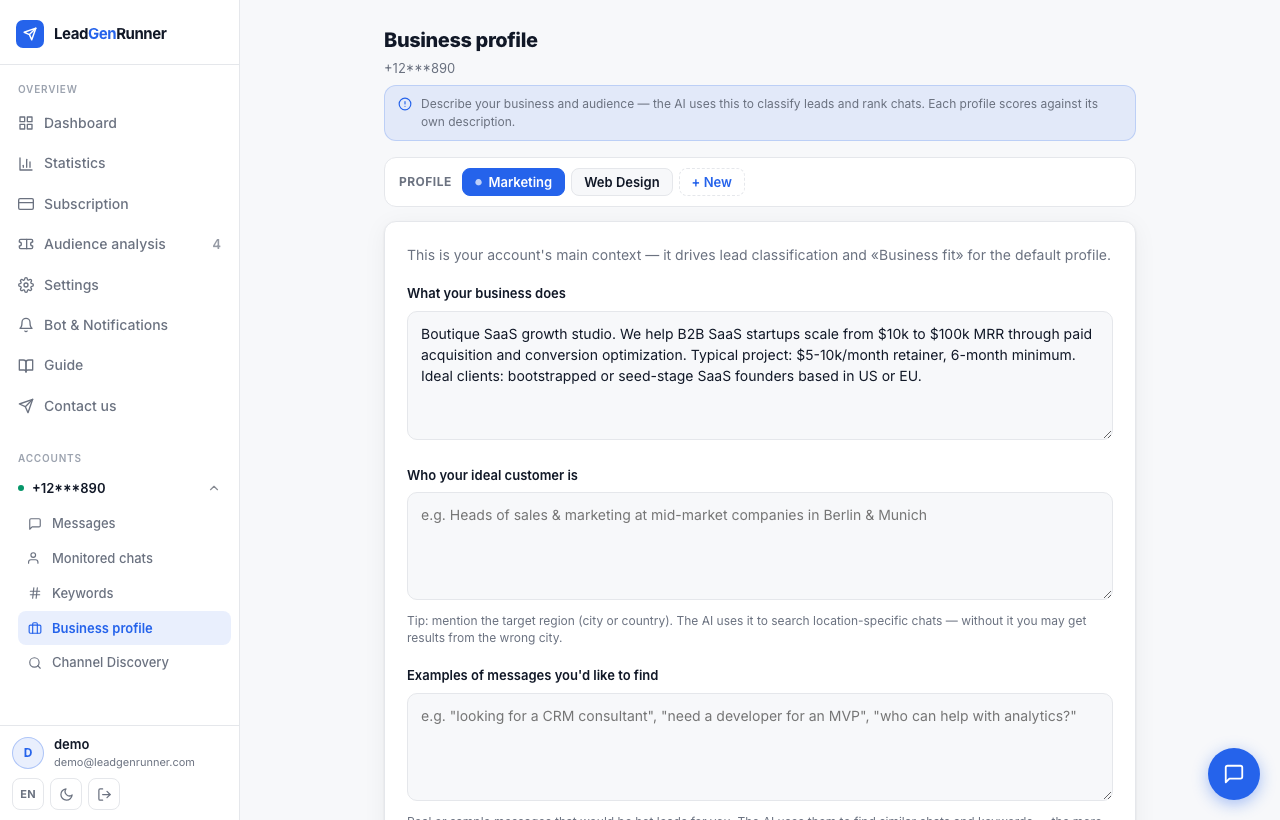
A business profile bundles everything for one line of business: its keywords, stop-words, monitored chats, AI description, and leads. Every account starts with one profile by default.
Why you'd want more than one (Business plan or higher)
Selling two different things through the same Telegram account — say, real estate and interior repairs? Without a second profile, the AI classifies leads and drafts replies against one blended business description, so a repair inquiry could get scored using your real-estate context. A second profile gives each niche its own keywords, chats, AI description, and reply tone, so classification and suggested replies actually match what you're selling, and each niche's leads show up separately in Messages and Contacts. (Notifications stay account-wide — which chat gets the alert isn't scoped per profile.) On Starter and Pro, an account stays on a single profile; Business and higher unlocks adding more.

Create a new profile
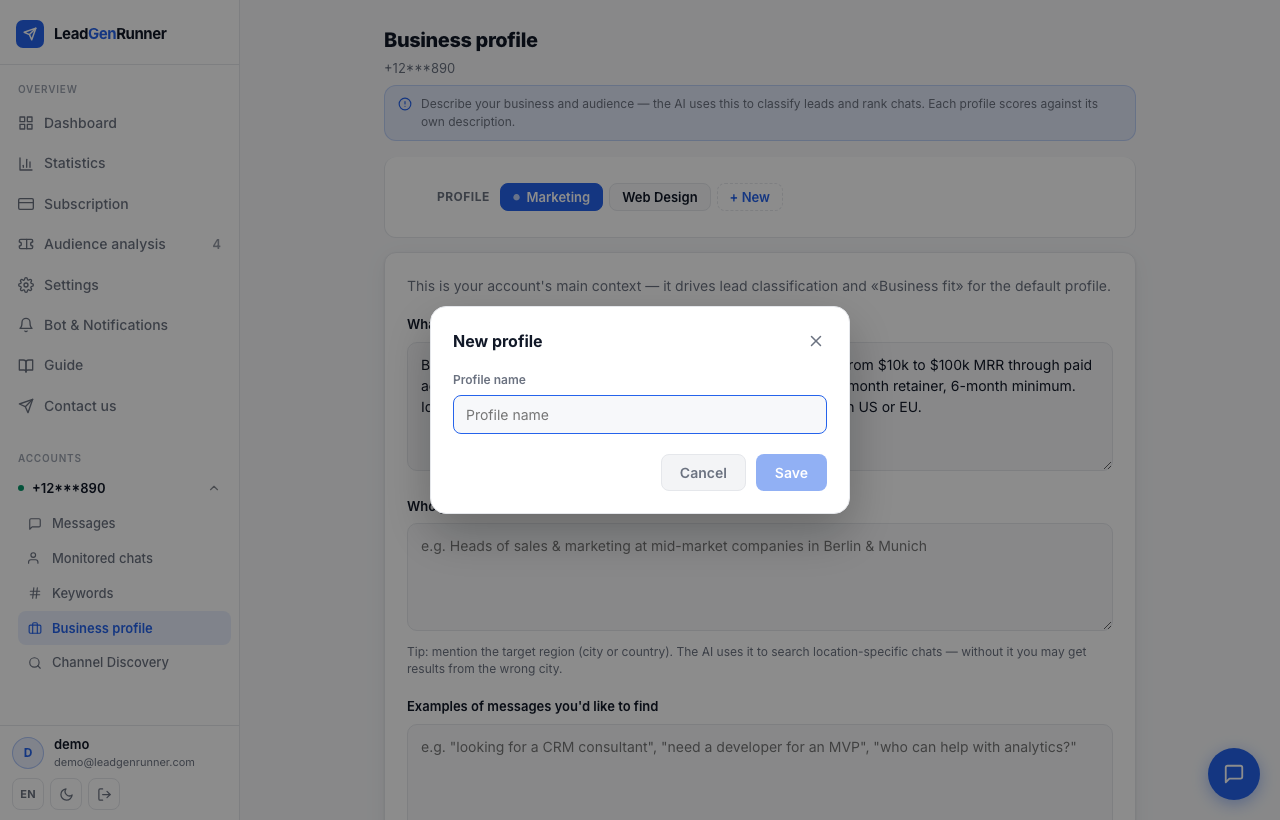
Open Business Profile from the account card, click "+ New" in the profile switcher at the top, and give the new profile a name.
Switch between profiles
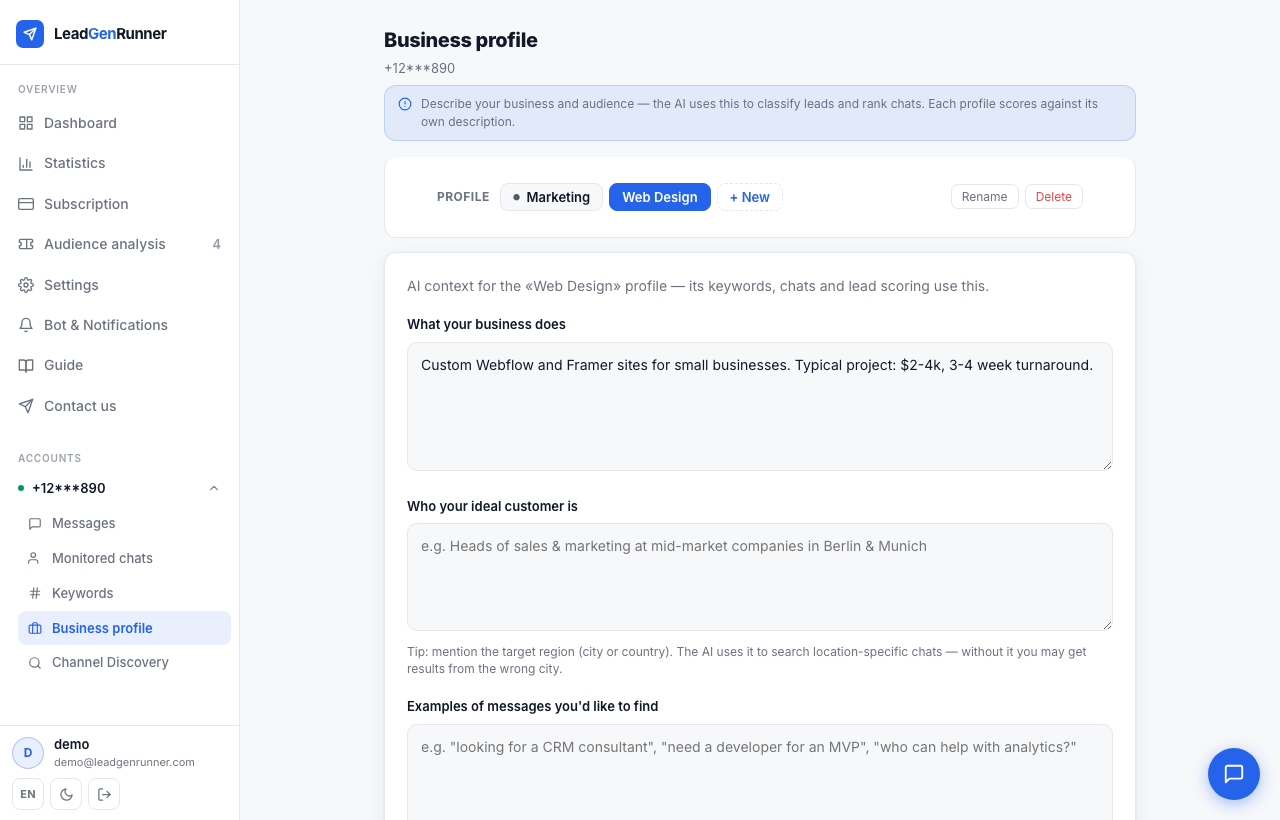
The profile switcher follows you into Chats, Keywords, Messages, and Discovery — whichever profile is active there is the one you're looking at and editing.
Rename a profile
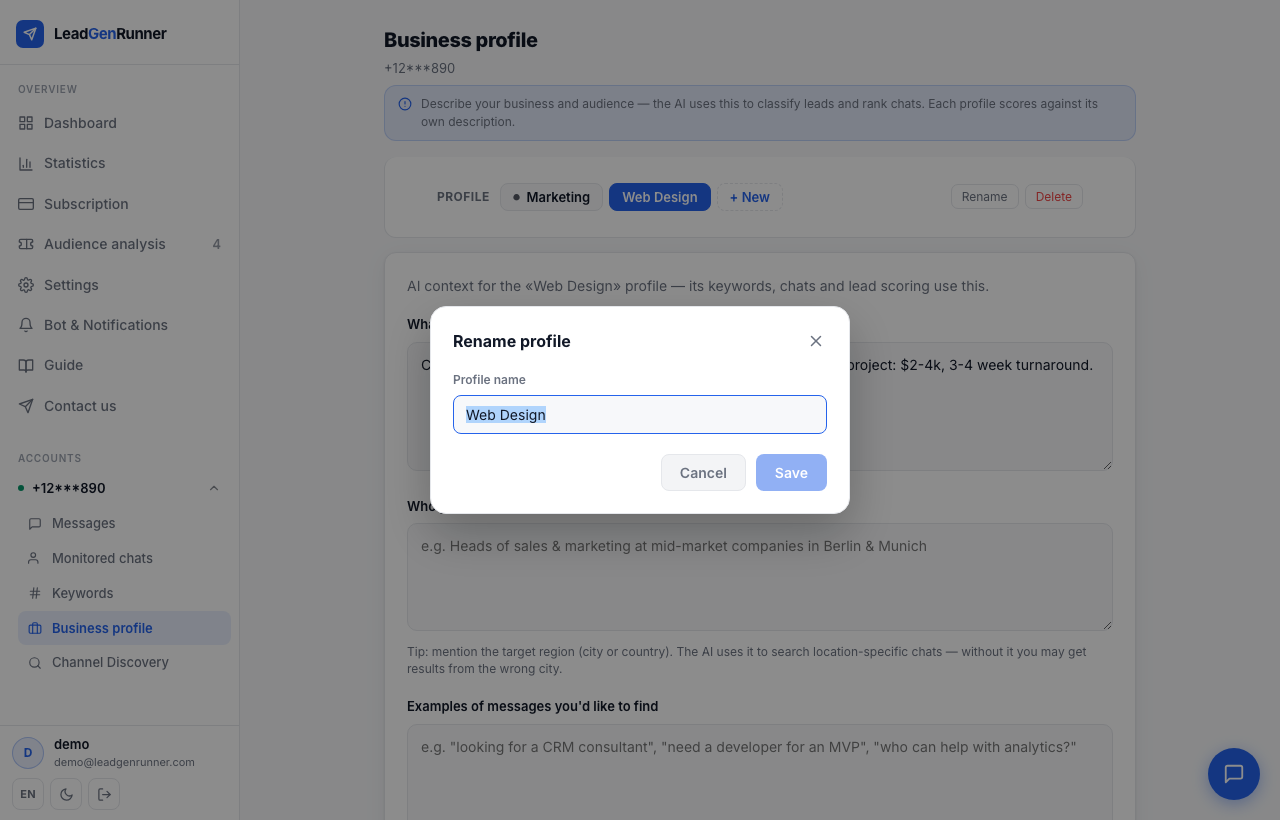
Pick it in the switcher and click Rename — useful once your first guess at a name stops fitting.
Delete a profile
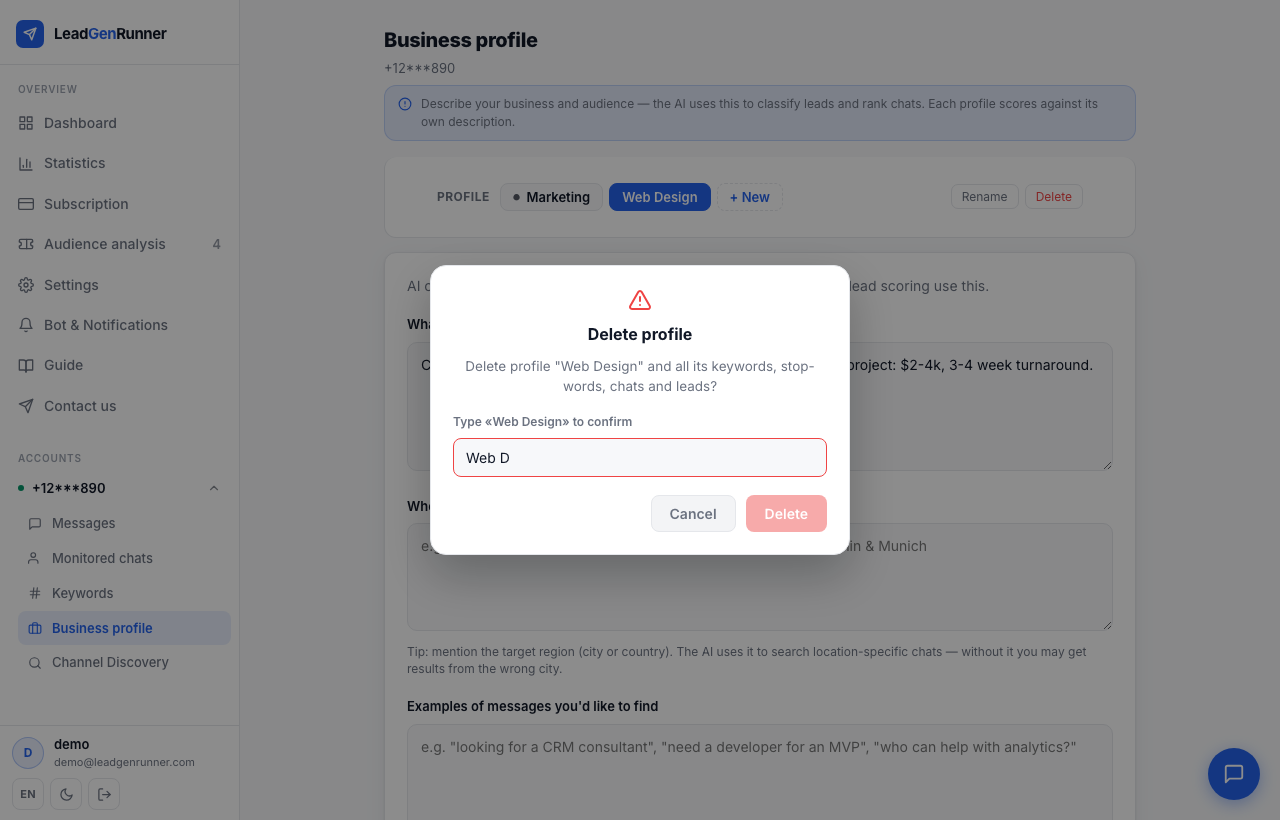
Retype the profile's exact name to confirm. This is permanent — it also removes that profile's keywords, stop-words, chats, and leads.
Ready to try it yourself?
Start a free plan and see your first leads within minutes.
Start free