Chats
Pick the Telegram groups LeadGenRunner should scan — and discover similar ones you haven't joined yet.
Sync your Telegram groups into the list
Every group and channel your account is already in appears here after the first sync. Press Sync Chats any time you join new groups so the list stays fresh.
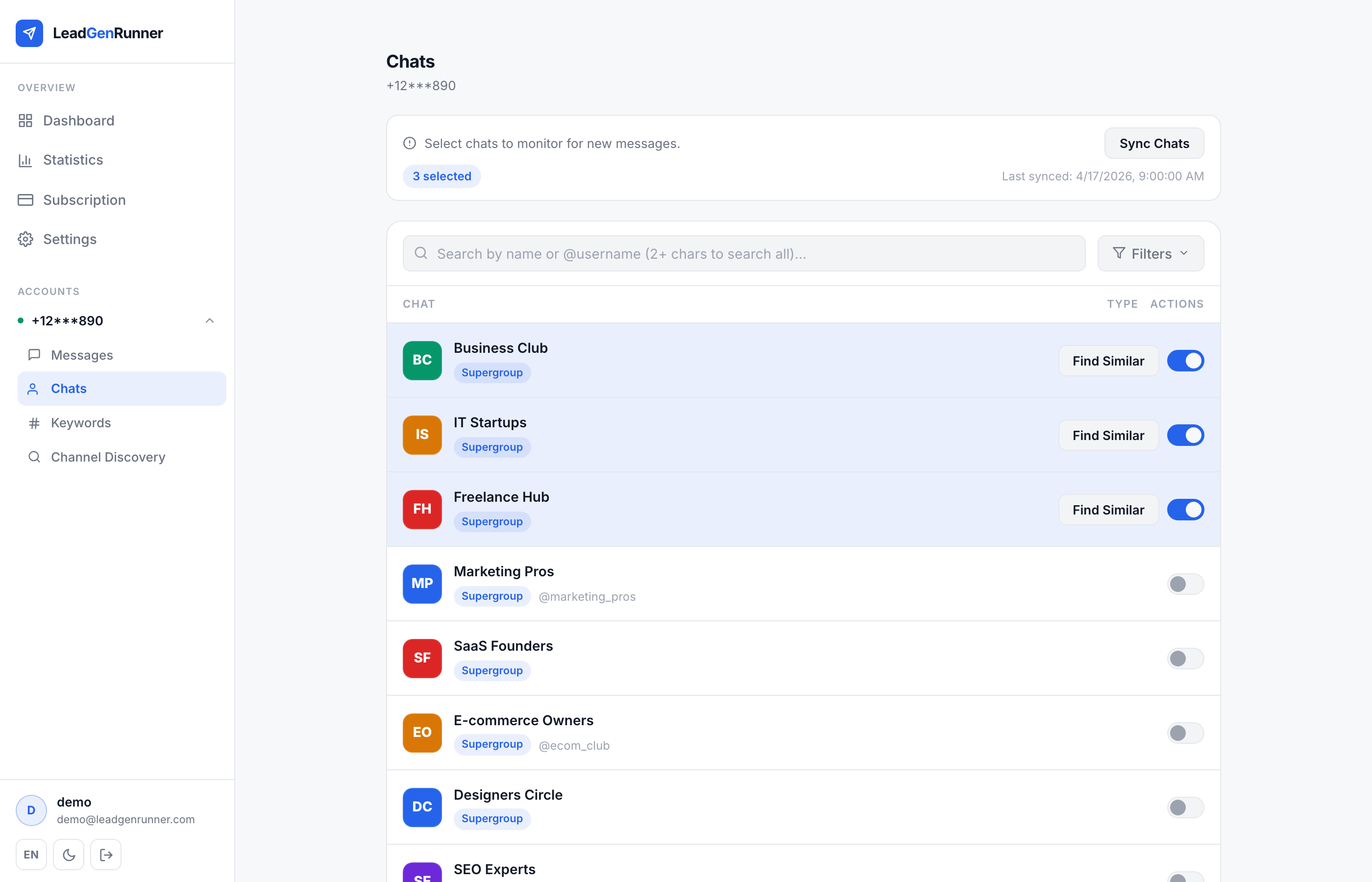
Toggle the chats you actually want to monitor
Flip the switch on a chat to include it in monitoring. The banner at the top shows how many slots are still free on your plan.
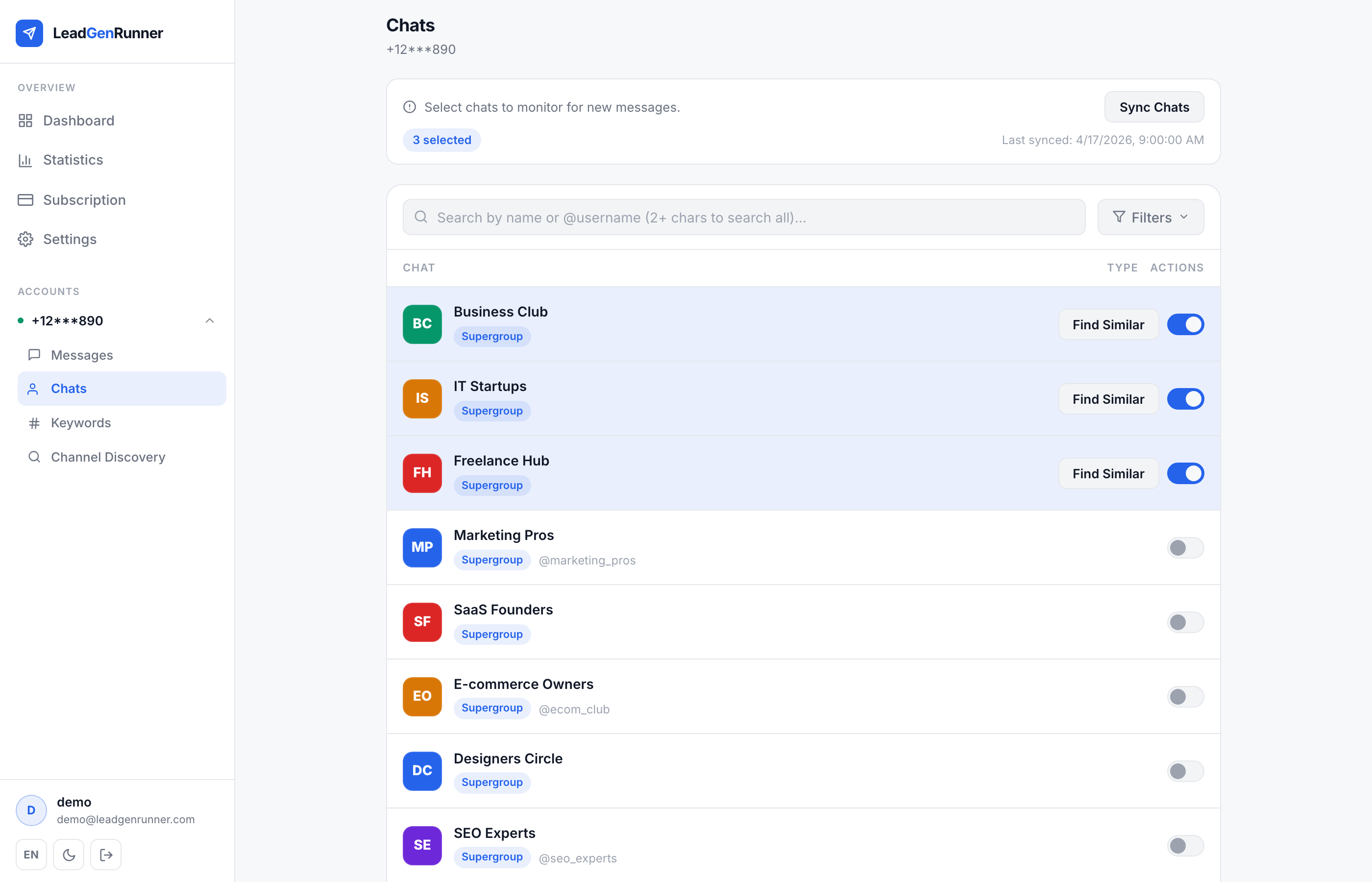
Filter and search through long chat lists
Use the search input to jump to a chat by name or @username, and open Filters to narrow the list by type (group, channel) or by what you've already selected.
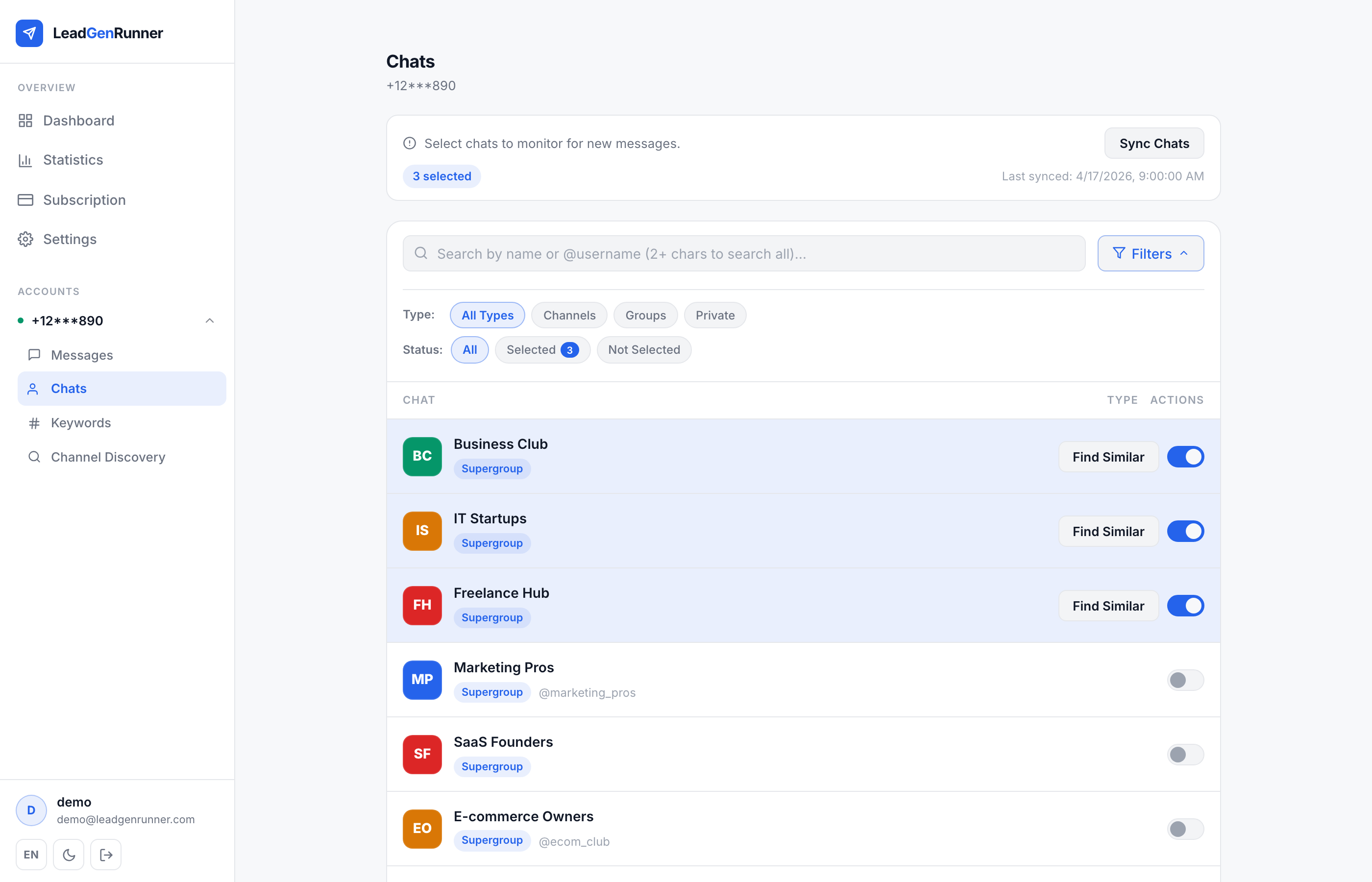
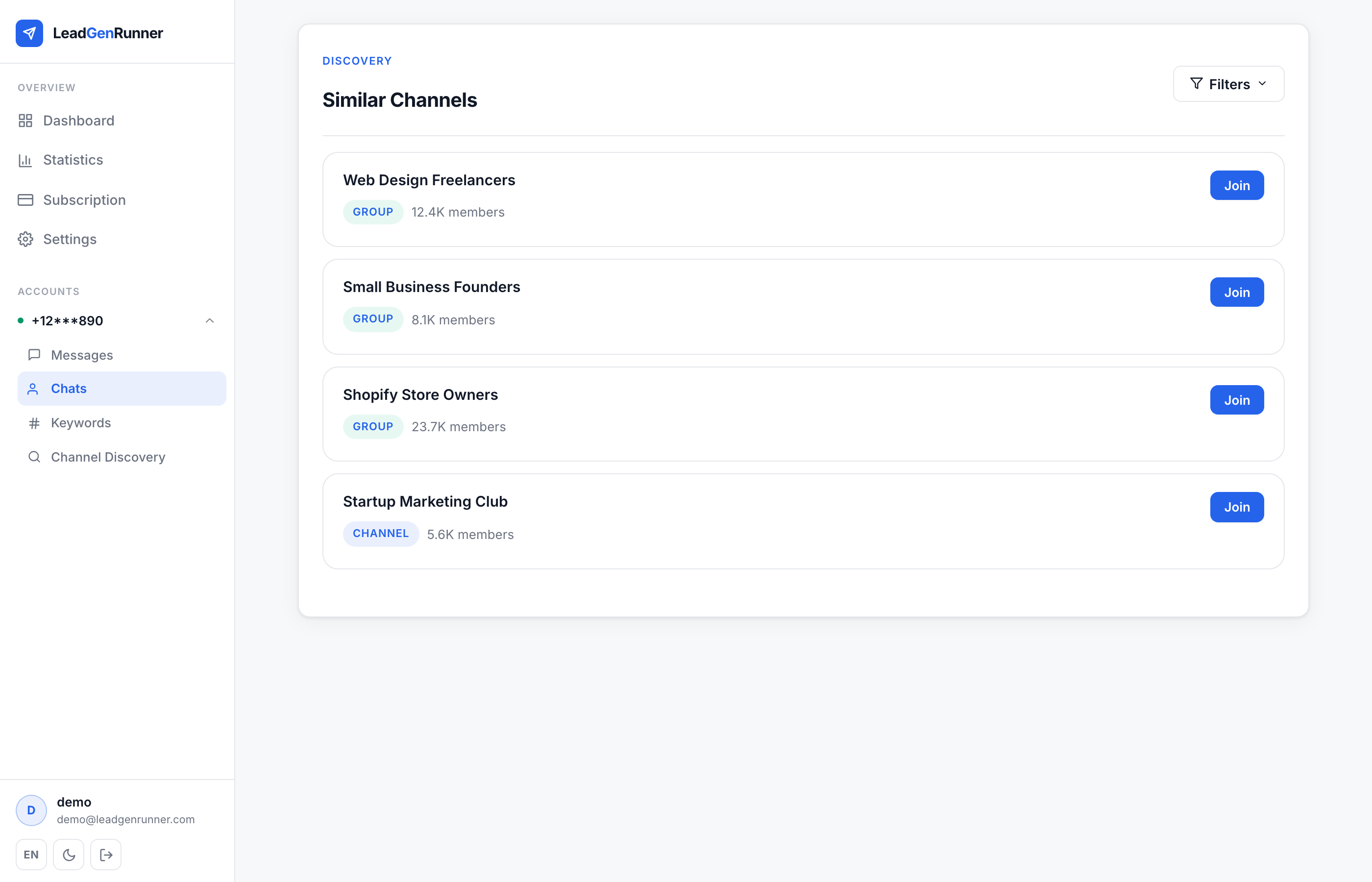
Find Similar — discover chats you haven't joined yet
Click Find Similar on any chat to let the AI surface related public groups and channels — a fast way to expand coverage beyond the rooms you're already in.
Ready to try it yourself?
Start a free plan and see your first leads within minutes.
Start free